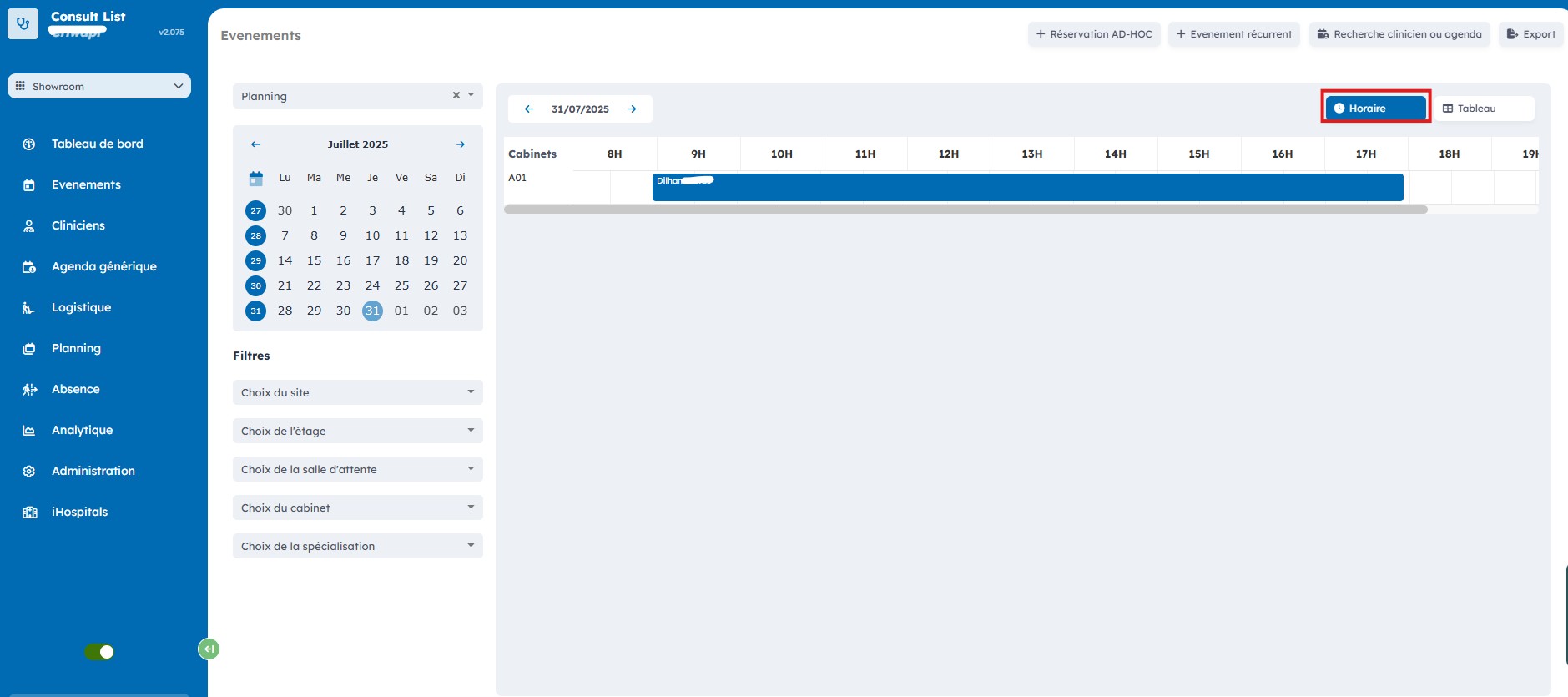
View events
The "Events" page provides an overview of the occupancy of the different rooms.
To access it, select "Events" in the left menu.
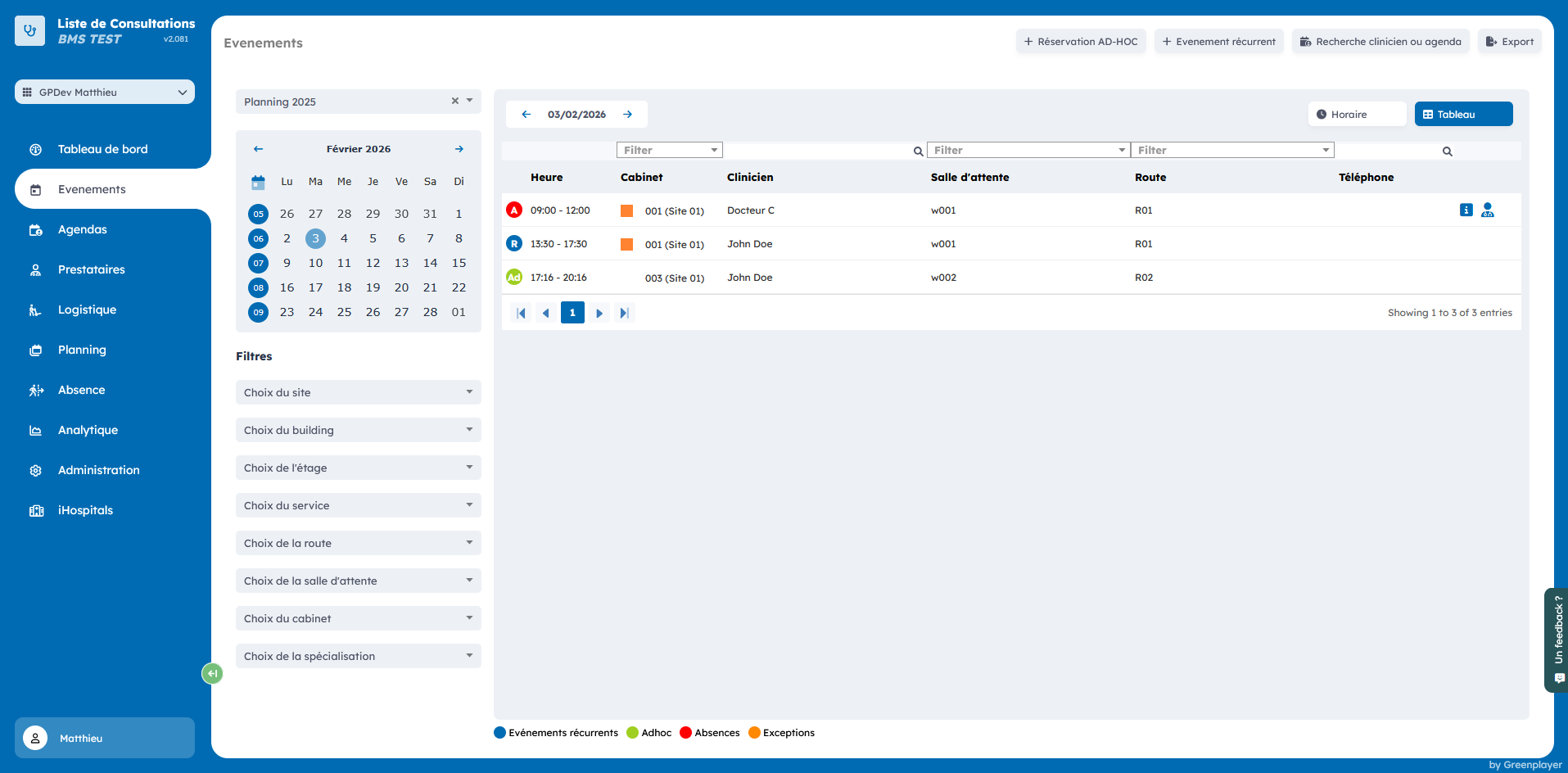
Filter events
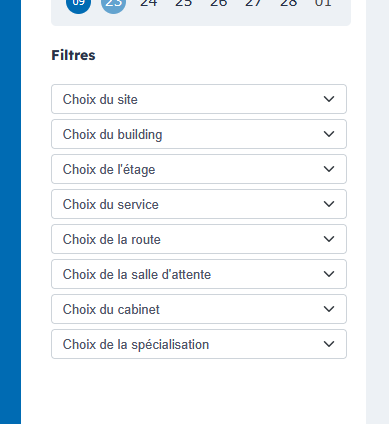
1. By site, floor, waiting room, room, or specialization
Below the agenda are the different filters that let you choose by site, floor, waiting room, room, or the desired specialization.
2. By day
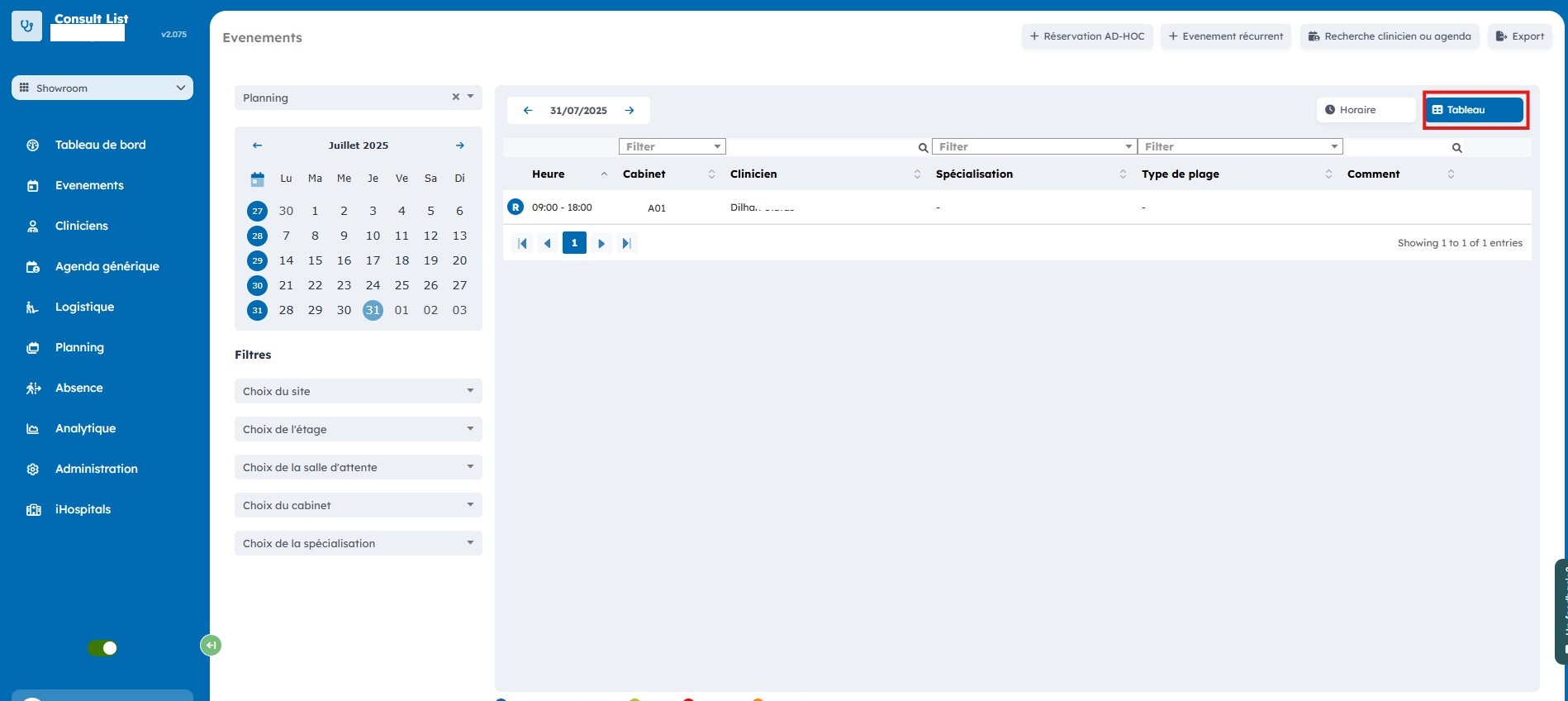
If you select a day in the calendar, you can view the occupancy of the different rooms for the selected day.
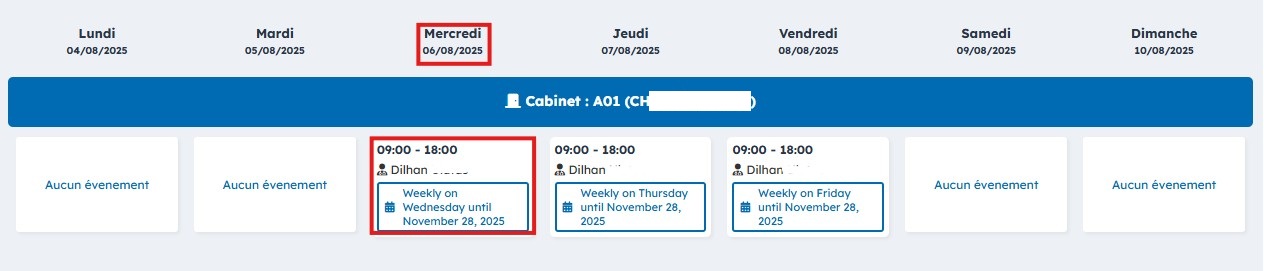
Some information is provided, such as the occupancy schedule and the clinician who consults in that time slot. You can sort this information by clinician, specialization, slot type, and more.
3. Table view
4. Time view