Create a dashboard
A dashboard brings useful charts together in a single view. It can be used to generate a PDF and can later be found in the application's PDF exports.
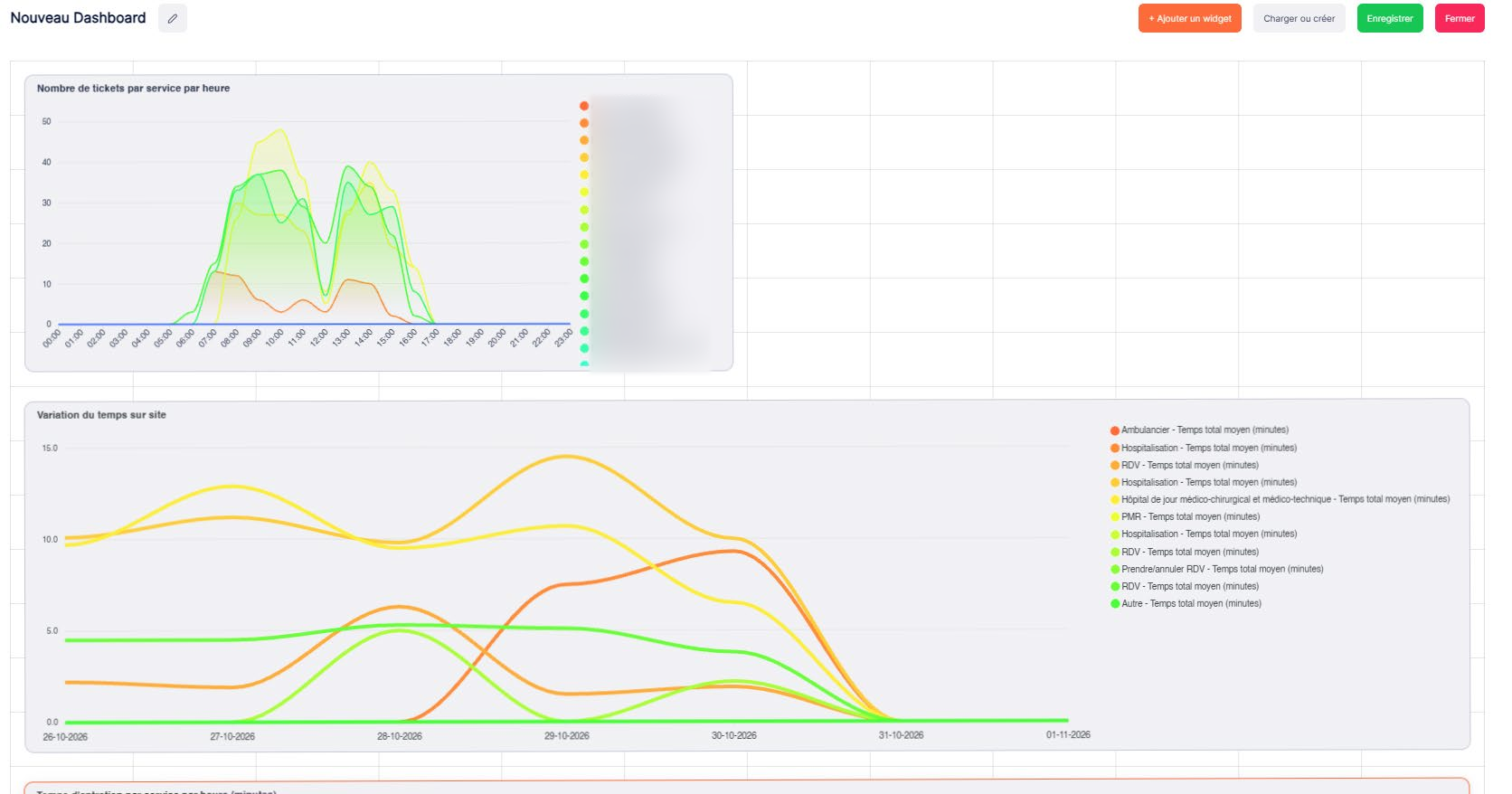
Example
To prepare a weekly review, create a dashboard named "Weekly tracking – Service X" and add the relevant charts. Choose titles that clearly indicate the service and the subject being analyzed.
Steps
1. Open the dashboard creation page
Open the dashboard section and start creating a new dashboard.
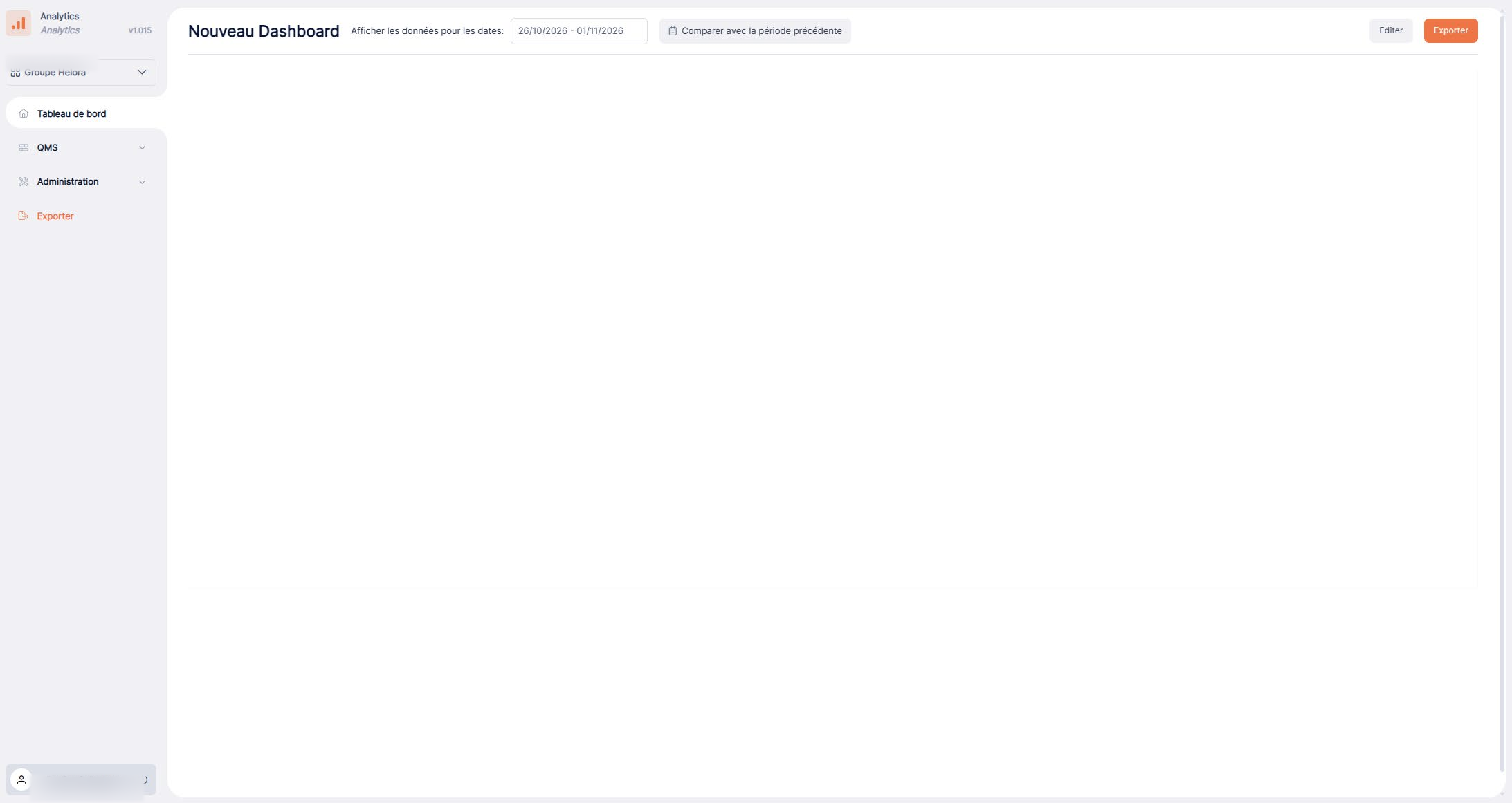
2. Name the dashboard
Give the dashboard a descriptive name.
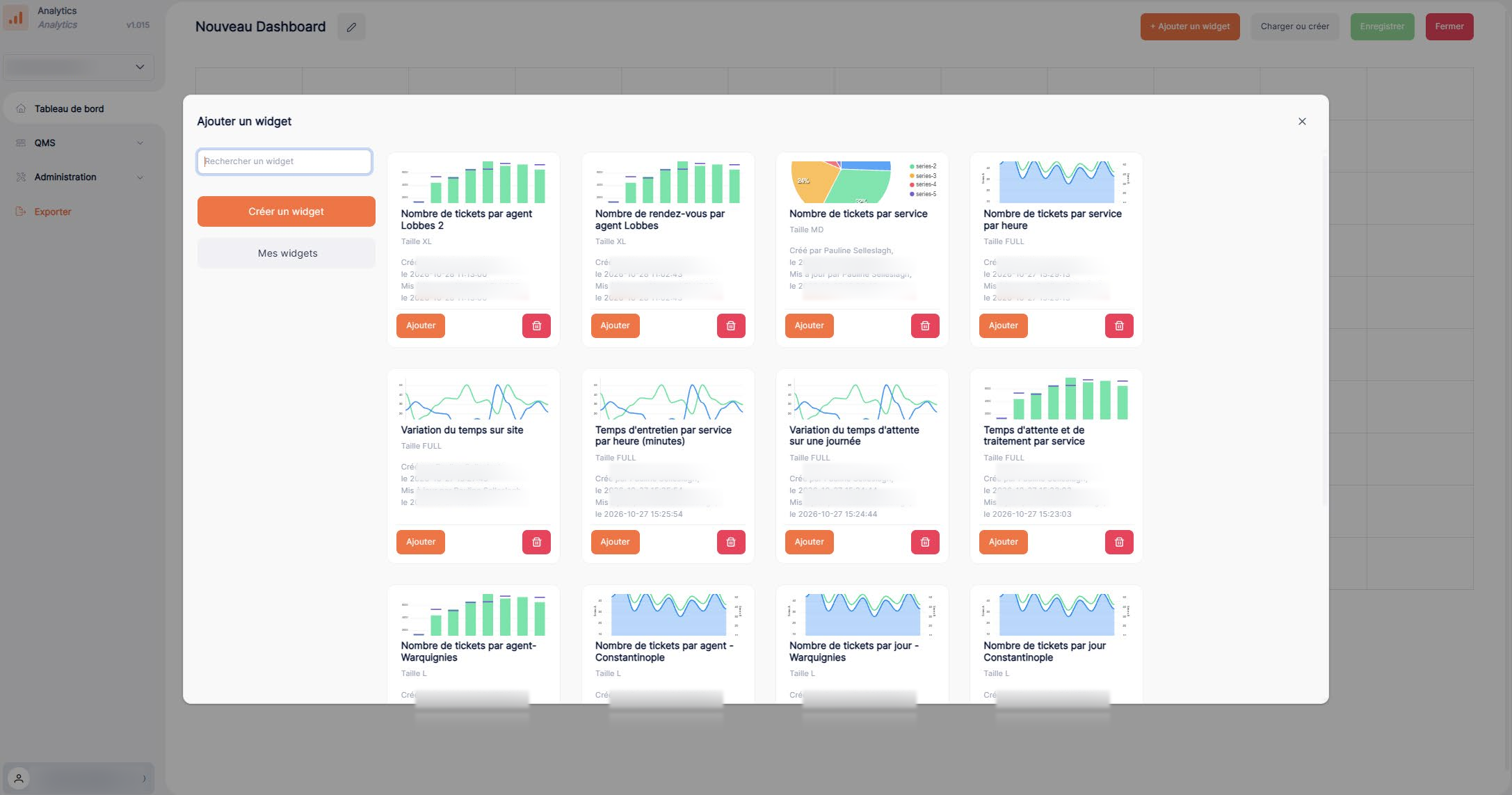
3. Add and arrange widgets
Add the widgets you need, then arrange them in the workspace.
4. Save or export
Use the actions available in the interface to save or export your dashboard.
Check the result
After adding the widgets, make sure they display correctly, have clear titles, and cover the same analysis scope. Save your work using the action available in your interface.