Export to PDF
The Export page offers PDF and Excel workflows. For PDF, choose an existing item or prepare the content you want to export.
Before generating a PDF
Prepare the dashboard or content you want to export. Check the title, scope, and chart readability: a PDF is intended to be viewed outside the application and should be understandable without a verbal explanation.
After generating the PDF, open the file and check that all visuals, titles, and pages are complete. The exact layout settings depend on the controls available in your version of the interface.
Export steps
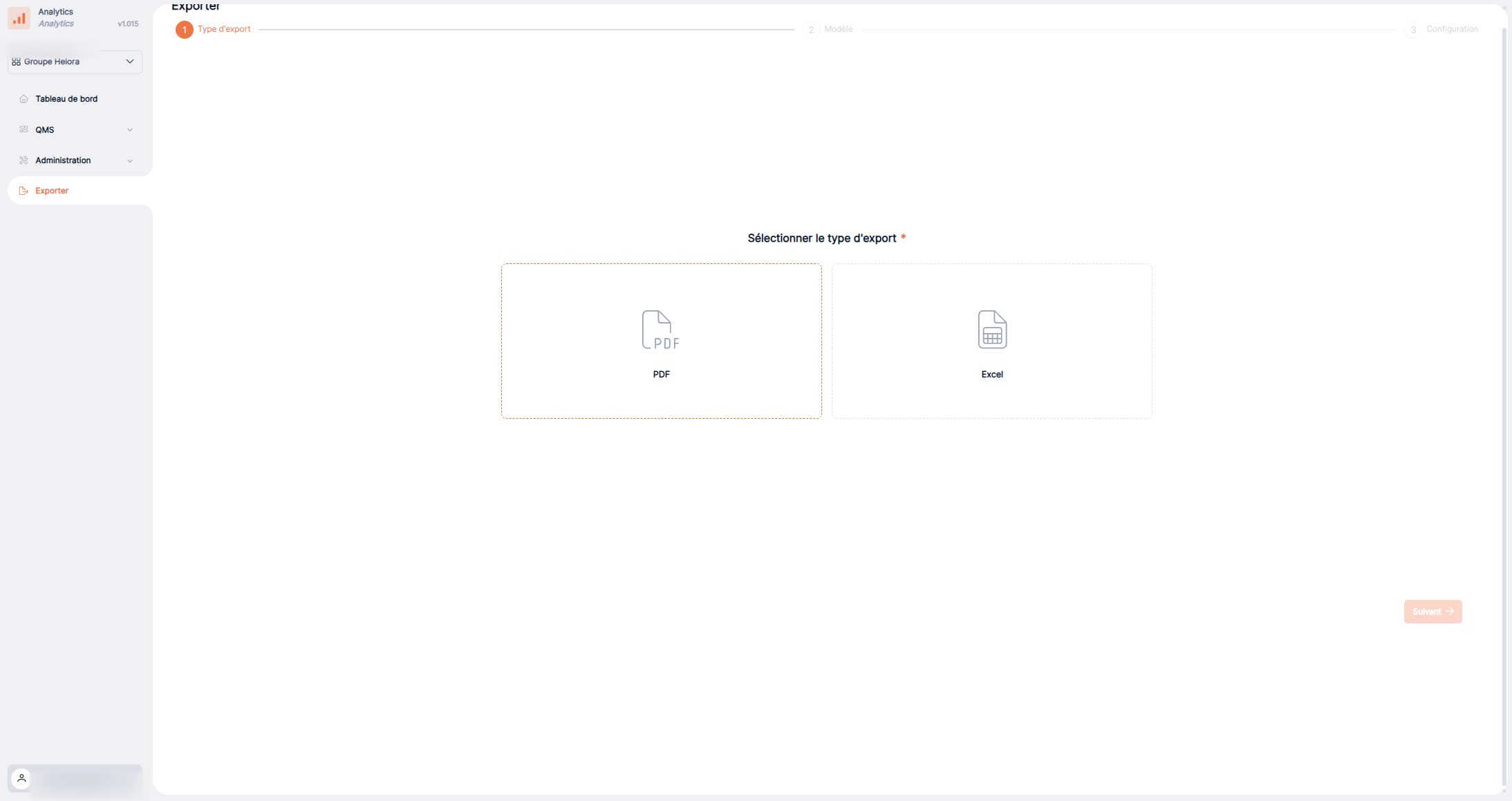
1. Choose the format
Open the Export section and select PDF.
2. Select the content
Select a dashboard or a template from the list, or create a new one.
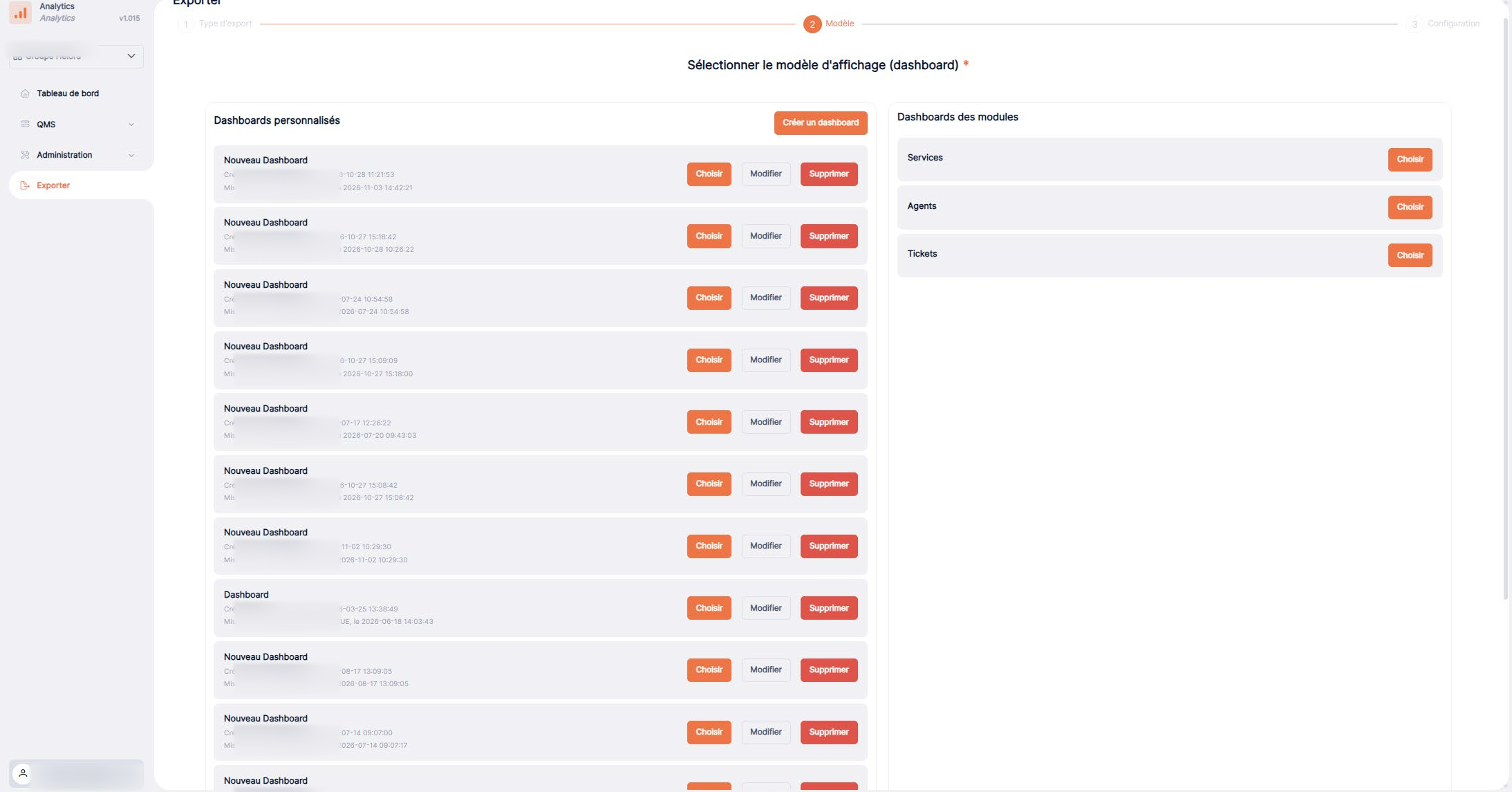
3. Generate the document
Follow the actions shown in the interface to generate the PDF.