Create and manage companies
Create and manage companies
To do this, go to "Companies" in the left-hand menu.
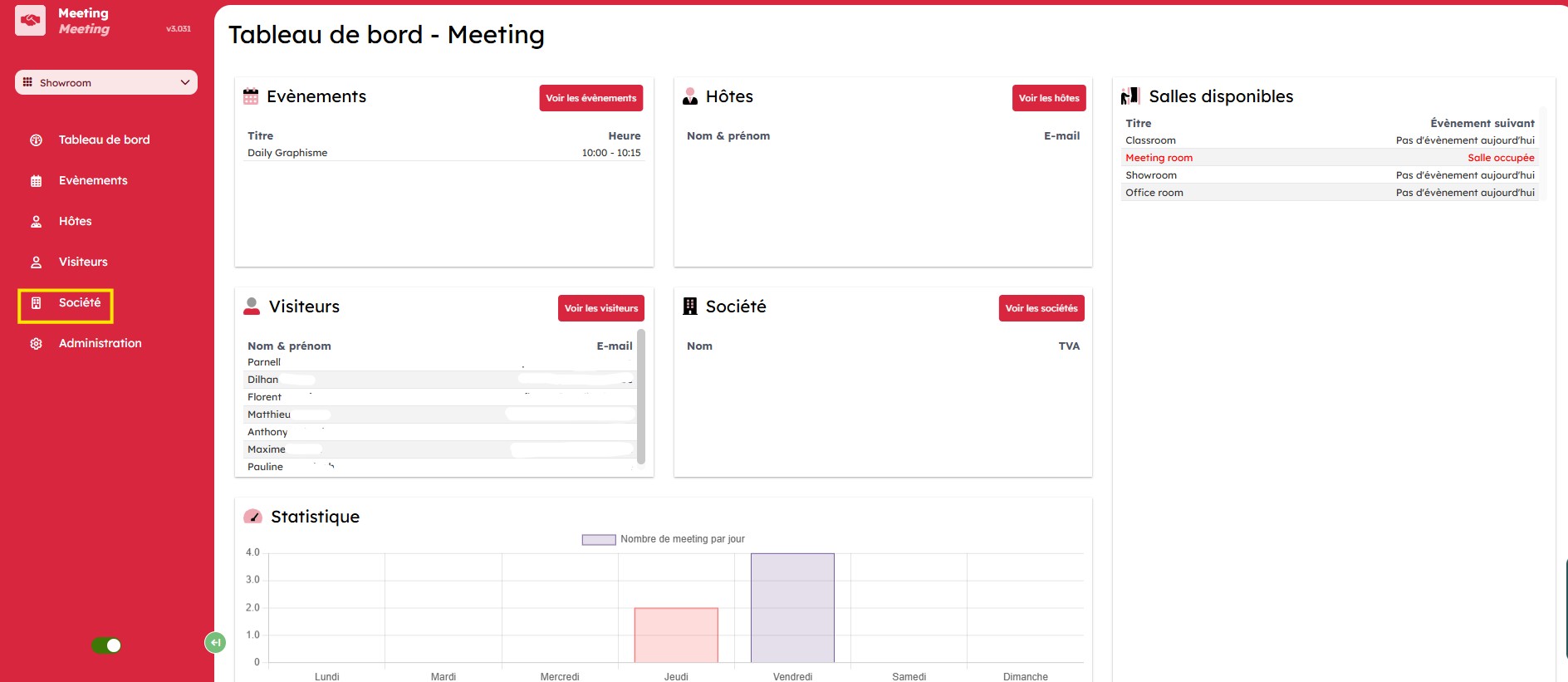
You will land on the "Companies" page, which lists companies by:
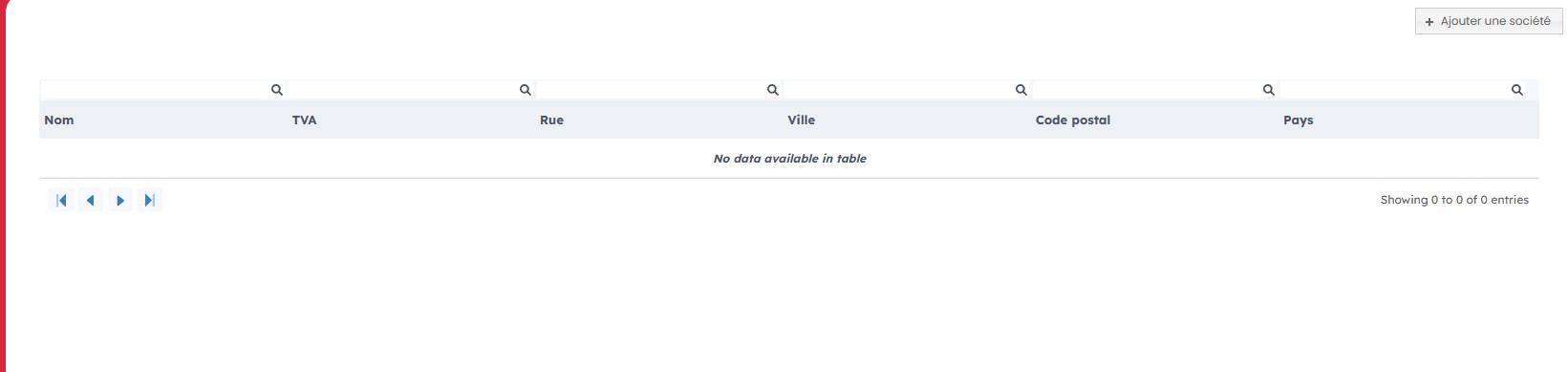
- name
- VAT number
- full address
Add a company
To add a company, click "Add company" in the top-right corner.

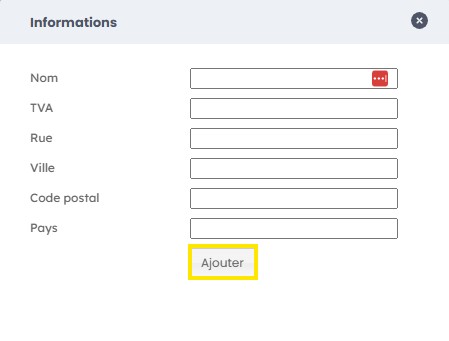
Fill in the form with the requested information: the name, VAT number, and full address, then click "Add".