Dashboard
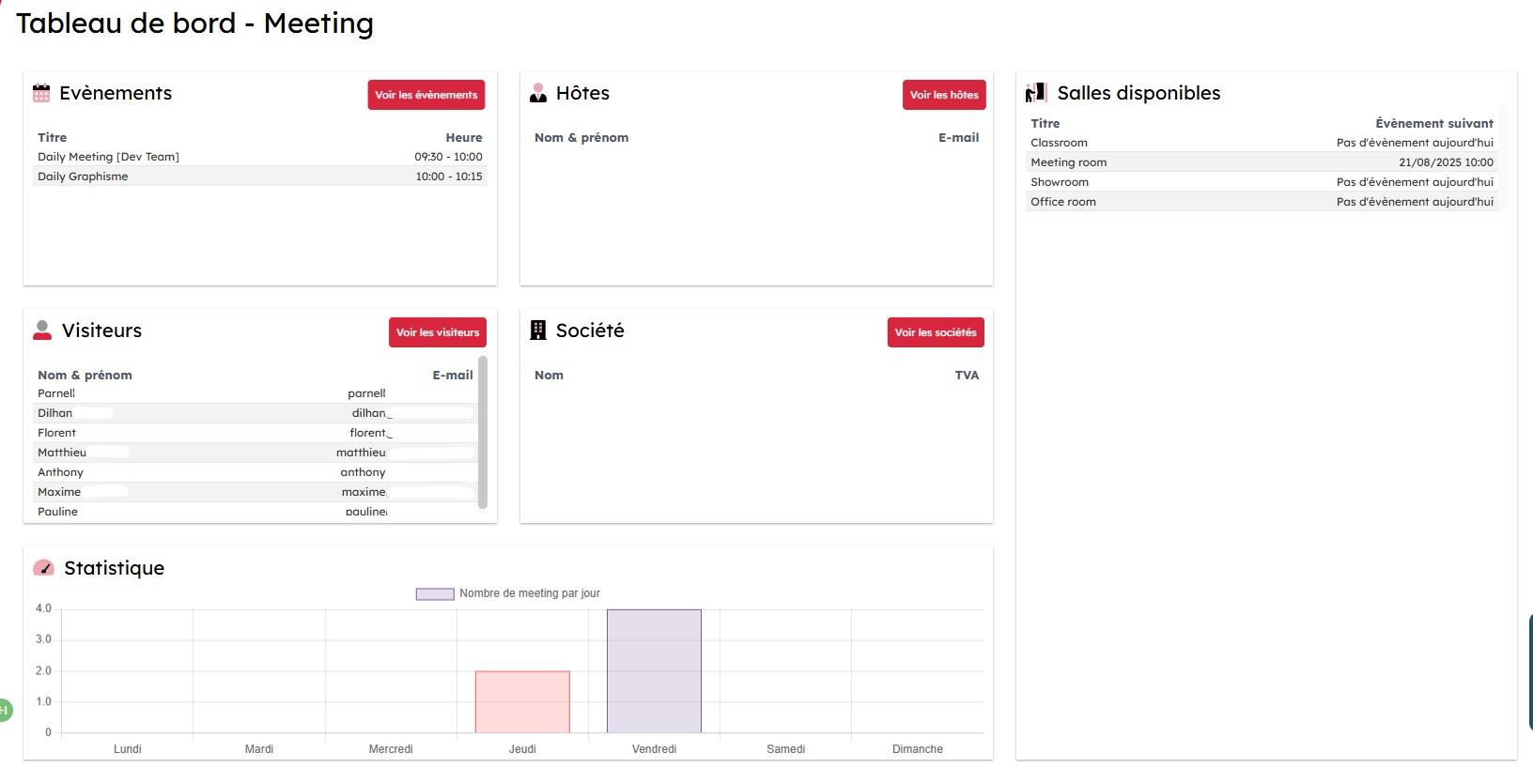
The Meeting module dashboard contains several pieces of information.
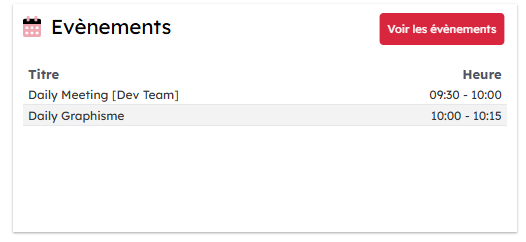
Today's events
The events scheduled for today appear here with the planned time.
When you click "view events", a detailed table opens and gives you a view:
- by room, with the address of the site where it is located next to it
- by time
- by the software used to record the event (Office365, ICS, local)

Host list
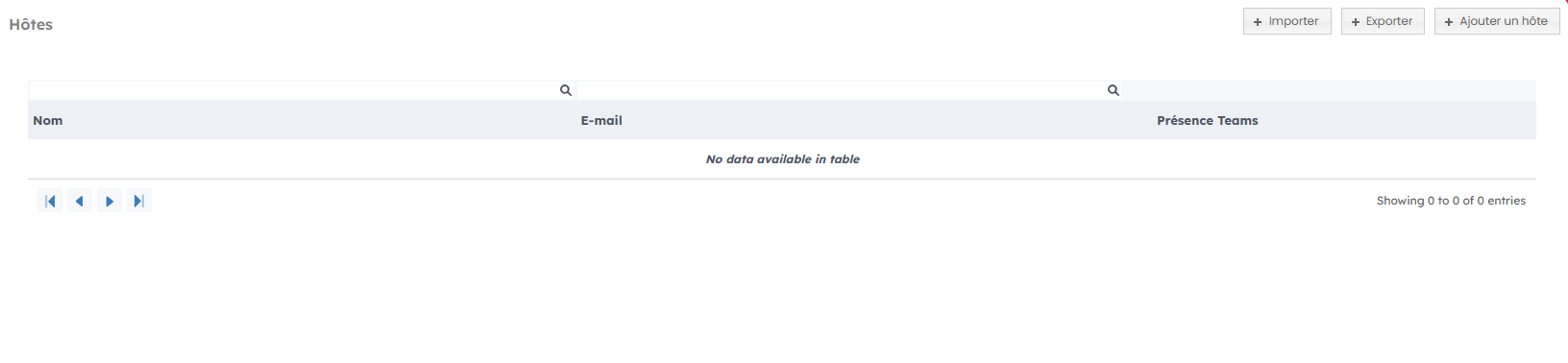
The host listing gives you a first overview of the registered contacts.

When you click "view hosts", you get a longer list with the Teams presence of each of them.
Visitor list
The visitor listing gives you a first overview of the registered visitors.
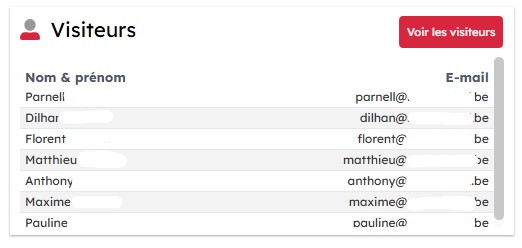
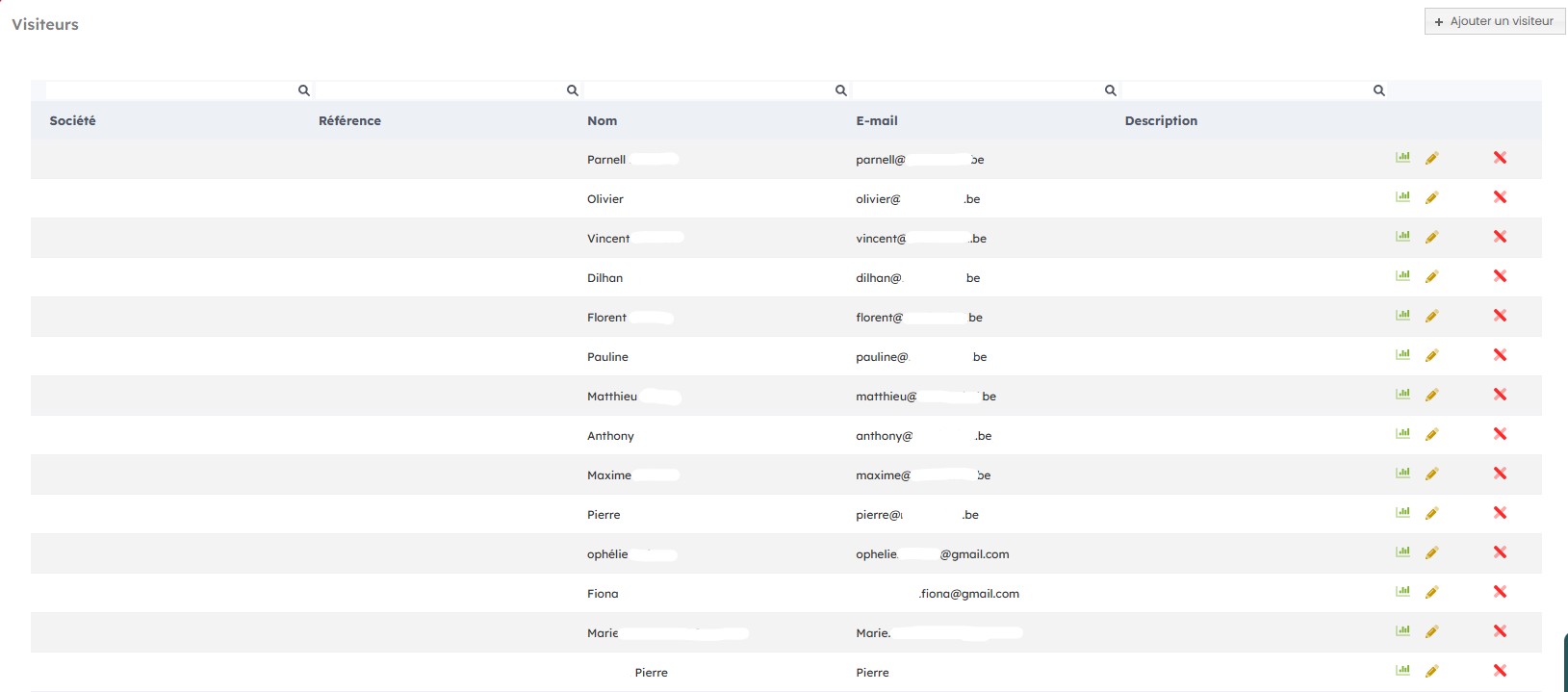
When you click "view visitors", you access the detailed visitor view with their name, email address, company name, any references, and a description if needed.
Company list
The company listing gives you a first overview of the registered companies, including their name and VAT number.

When you click "view companies", you access the detailed company list view with their name, VAT number, full address, and country.

Available rooms
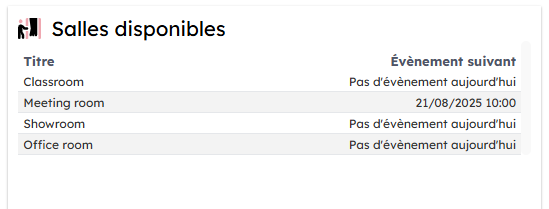
The list of available rooms gives you a first overview of the rooms you own and their availability for the day.
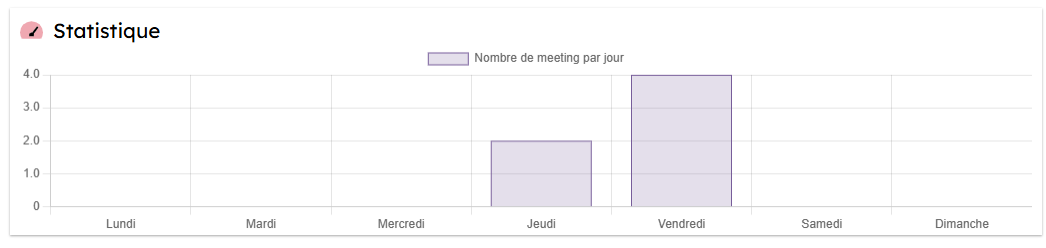
Meeting statistics by day
A chart quickly shows the number of meetings scheduled for the week.