Create and manage visitors
Create and manage visitors
To create and manage visitors, click "Visitors" in the left-hand menu.
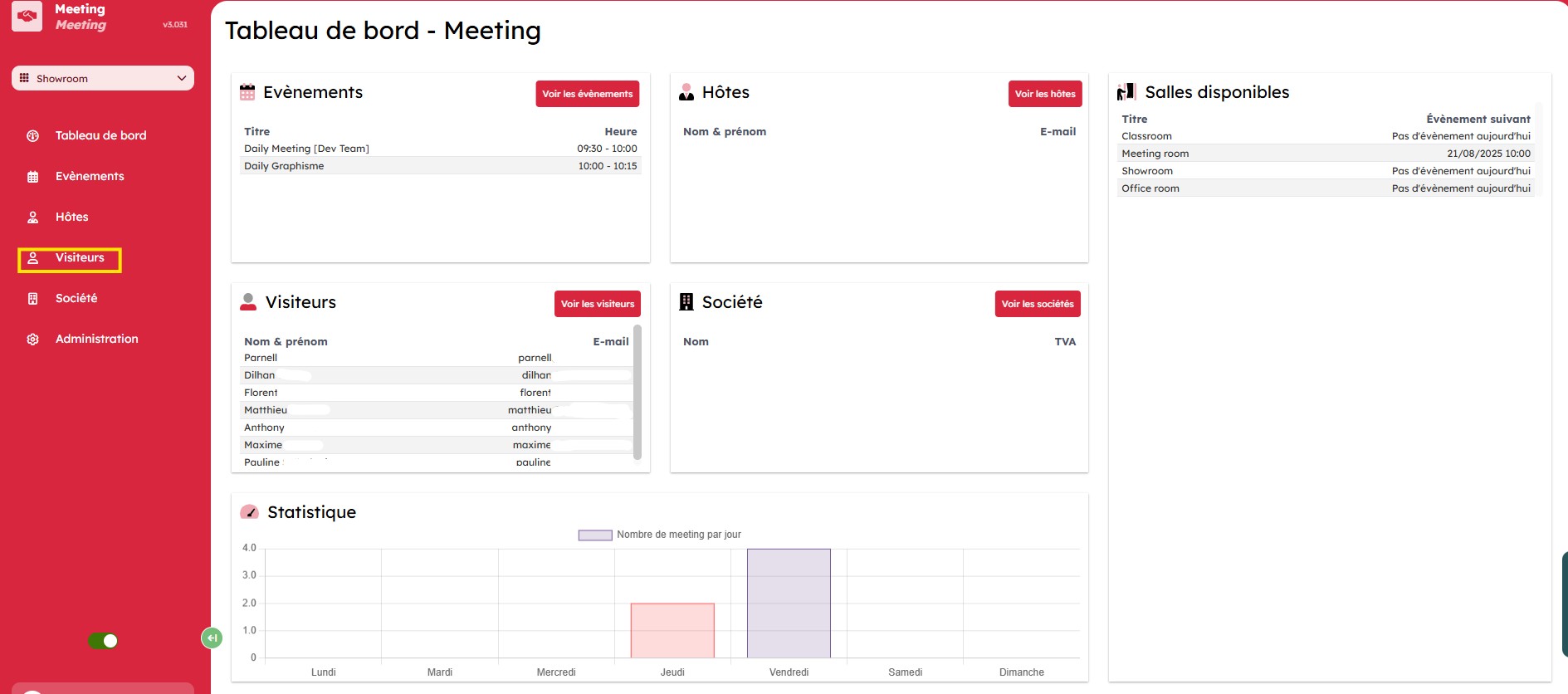
The "Visitors" tab opens and gives you a view of the list of registered visitors.
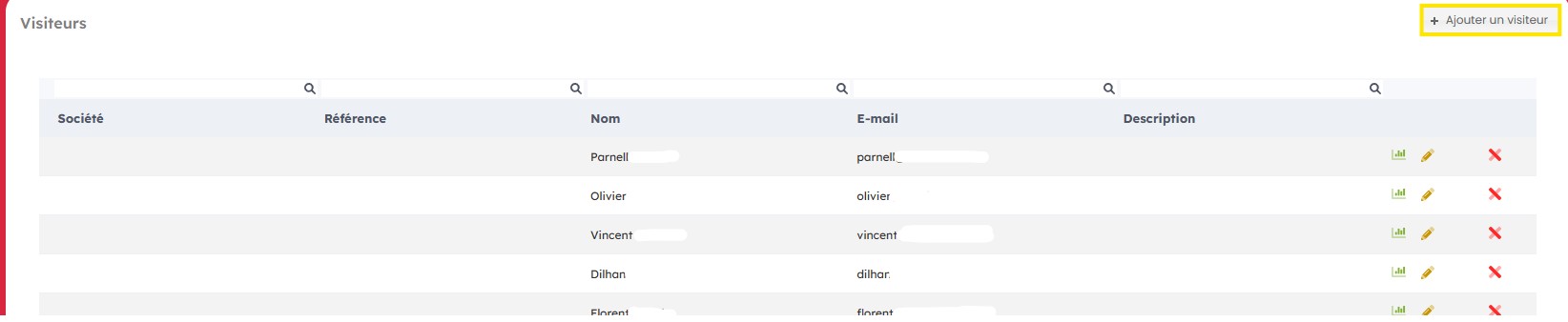
Add a visitor
To add a visitor, go to "Add visitor" in the top-right corner.
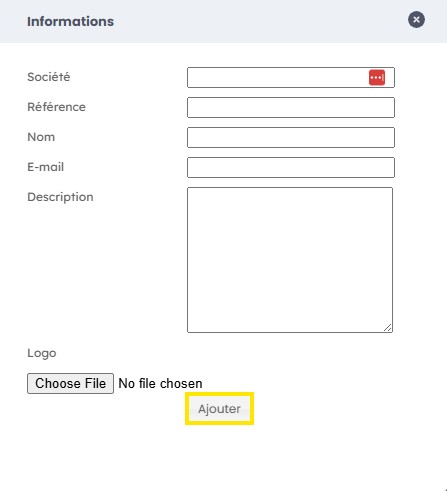
Fill in the form with the company name, its reference, the person's name, their email address, a description, and upload the company logo if needed, then click "Add".
Manage a visitor
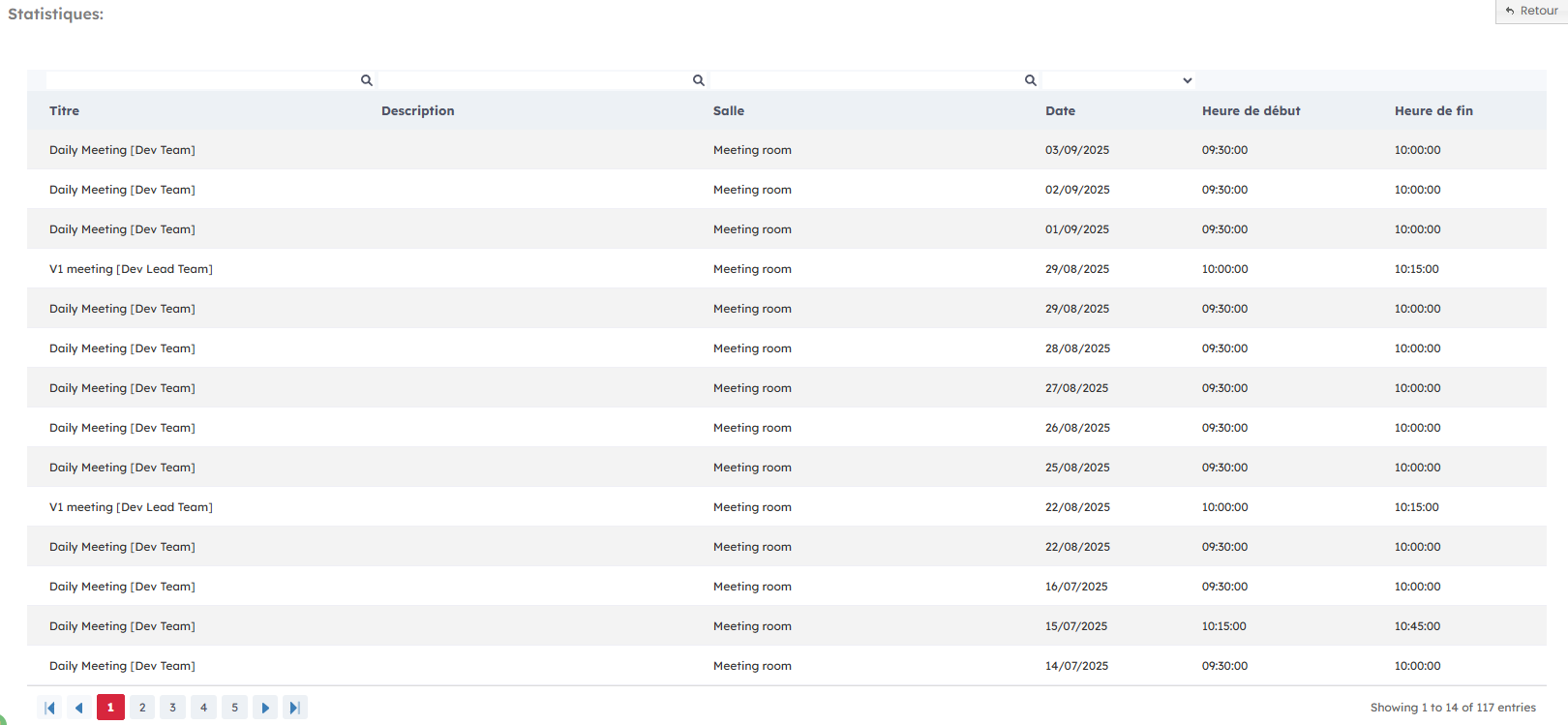
To manage a visitor, click the "Statistics" icon on the right.

This feature gives you access to all the contact's participations, grouped by meeting title, description, occupied room, date, and time.
Edit a visitor
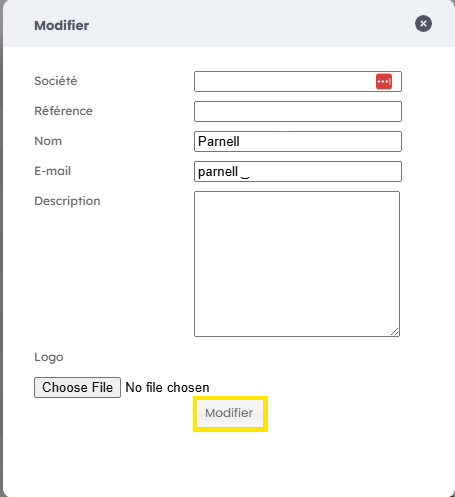
To edit a visitor, click the "Pencil" icon.

Modify the information you want in the form, then click "Edit" to confirm.
Delete a visitor
To delete a visitor, click the "Cross" icon.

The action is performed immediately.
