Create and manage an event
Go to "Events"
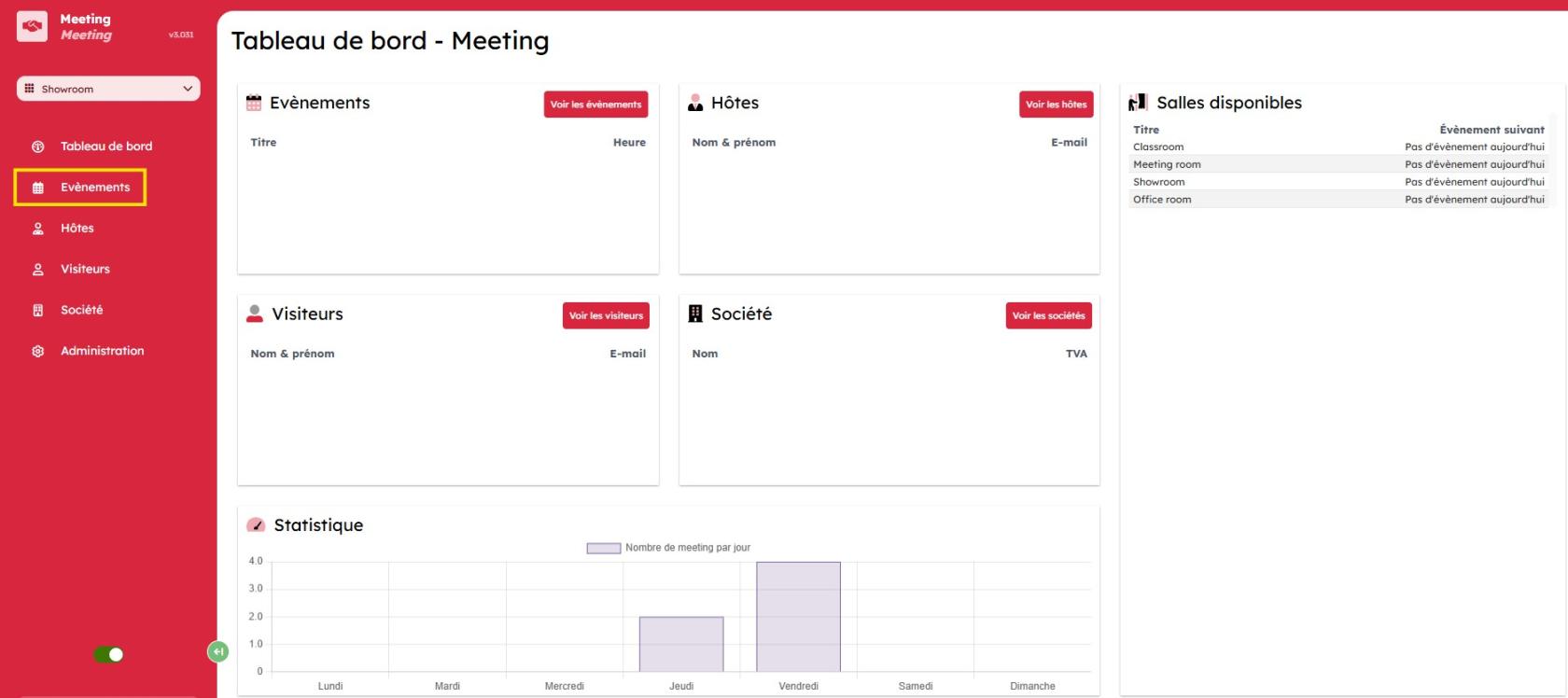
View of the "Events" page
You can find information about the rooms reserved for the day, including the schedule and the software used to create the event (Office365, ICS, local).

Add an event
To add an event, simply click "Add event" in the top-right corner.

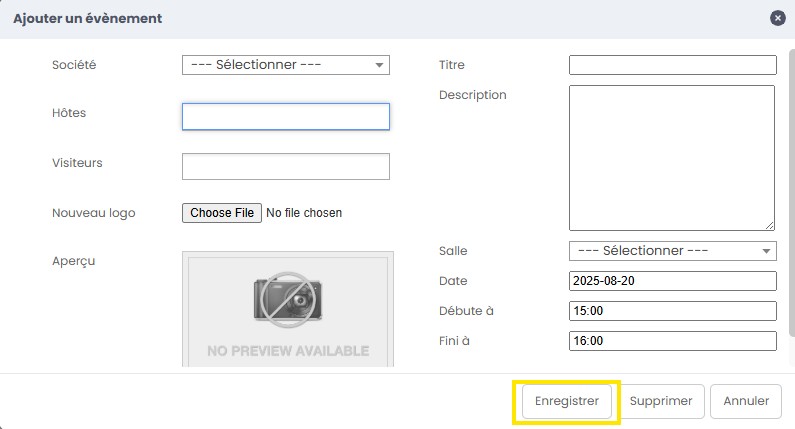
Fill in the form with the name of the relevant company, hosts, visitors, and a company or project logo.
Add a title, description, room selection, the date you want to book, and the start and end times.
Click "Save" when the form is complete.