Options
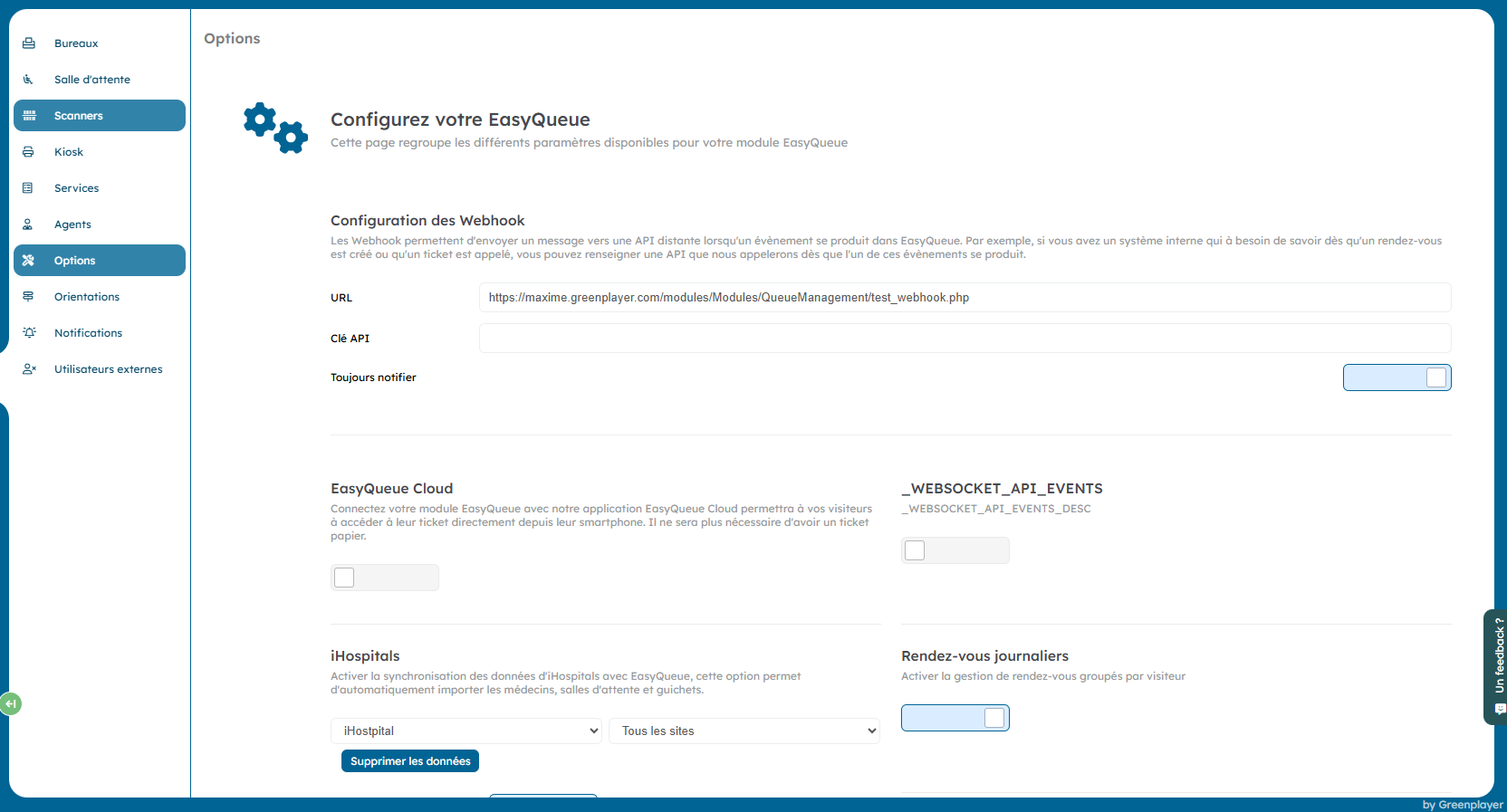
This page allows you to configure the global behavior of the EasyQueue module for a project.
Webhook
URL
URL of the remote API called when an EasyQueue event occurs (ticket creation, call, appointment creation, etc.).
API Key
Authentication key sent to the remote API on each webhook call.
Always notify
If enabled, the webhook is called for all events, without conditional filtering.
EasyQueue Cloud
Enable EasyQueue Cloud
Connects EasyQueue to the EasyQueue Cloud application. Visitors can view their ticket from their smartphone via a QR code, without printing on paper.
WebSocket API Events
Enables sending events via WebSocket for real-time integrations (screens, external systems, live synchronization).
iHospitals
iHospitals synchronization
Enables automatic synchronization with iHospitals:
- Import doctors
- Import waiting rooms
- Import desks
iHospitals site
Restricts synchronization to a specific site or to all sites.
Appointments
Appointment creation
Allows or prevents creating appointments directly from the EasyQueue interface.
Daily appointments
Groups appointments by visitor on the same day.
Smart schedule
Automatically checks agent availability before creating an appointment.
Hide the Appointments section
Completely hides the Appointments section in the side menu.
Tickets
Default ticket
Service used by default when creating a ticket.
Unique incremental number
Uses a unique global counter for all services, instead of a counter per service.
Ticket prefix
Adds the service prefix and zeros if needed (example: A-001).
Multi-step tickets
Enables a multi-step ticket system (workflow).
Waiting time management
Waiting time between calls
Minimum time (in seconds) before an agent can call a ticket again.
Waiting after a transfer
Delay imposed before a transferred ticket can be called again by another agent. Value 0 disables this option.
Send back to waiting
Minimum time before a visitor sent back to the waiting line after an absence can be called again.
Keep waiting time after a transfer
Keeps the accumulated waiting time when transferring services.
Waiting time algorithm
Enables an advanced per-ticket waiting time calculation algorithm. This option consumes additional resources.
Labels
Enable labels
Allows associating labels (tags) with tickets.
Label template
Defines the label template used for printing or display.
Waiting rooms
Flexible waiting room
Allows visitors to register in a waiting room different from the one associated with their ticket (by floor or globally).
Agent waiting room
Tickets linked to an agent are automatically assigned to their waiting room.
Accessibility
PMR desk
Enables PMR restrictions: only authorized desks can call PMR tickets.
Display and appearance
Queue appearance
Defines the appearance of tickets in the queue:
- Color
- Abbreviation
- Color and abbreviation
Third general call
The third call for a ticket is automatically displayed on all screens. This option requires flexible waiting rooms to be enabled.
Configurable current ticket screen
Allows customizing the screen that displays the currently called ticket.
Printed tickets
Logo on tickets
Adds a logo header on all printed tickets. If no logo is provided, the header is disabled.
History and retention
Ticket history (X days)
Number of days tickets are kept in history.
History retention
Enables advanced history retention with configurable duration.
Security and limits
Auto-logout from a desk
Automatically logs out an agent after X minutes of inactivity. A warning is shown 5 minutes before logout.
On desk logout
If enabled, the current ticket returns to the queue. Otherwise, the ticket is closed.
Ticket quota
Enables a ticket creation limit per time slot.
WISH API call limit
Limits WISH API calls to one call per person per day.
Reconciliation
Automatic appointment reconciliation
Automatically checks, at least once per day, that appointments are linked to the correct agents.
Run reconciliation manually
Forces reconciliation immediately.
Third-party application
Third-party application URL
URL of an external application capable of recognizing the visitor reference to display additional data.