Edit a room's ICS link
On the module home page, go to the Administration section.
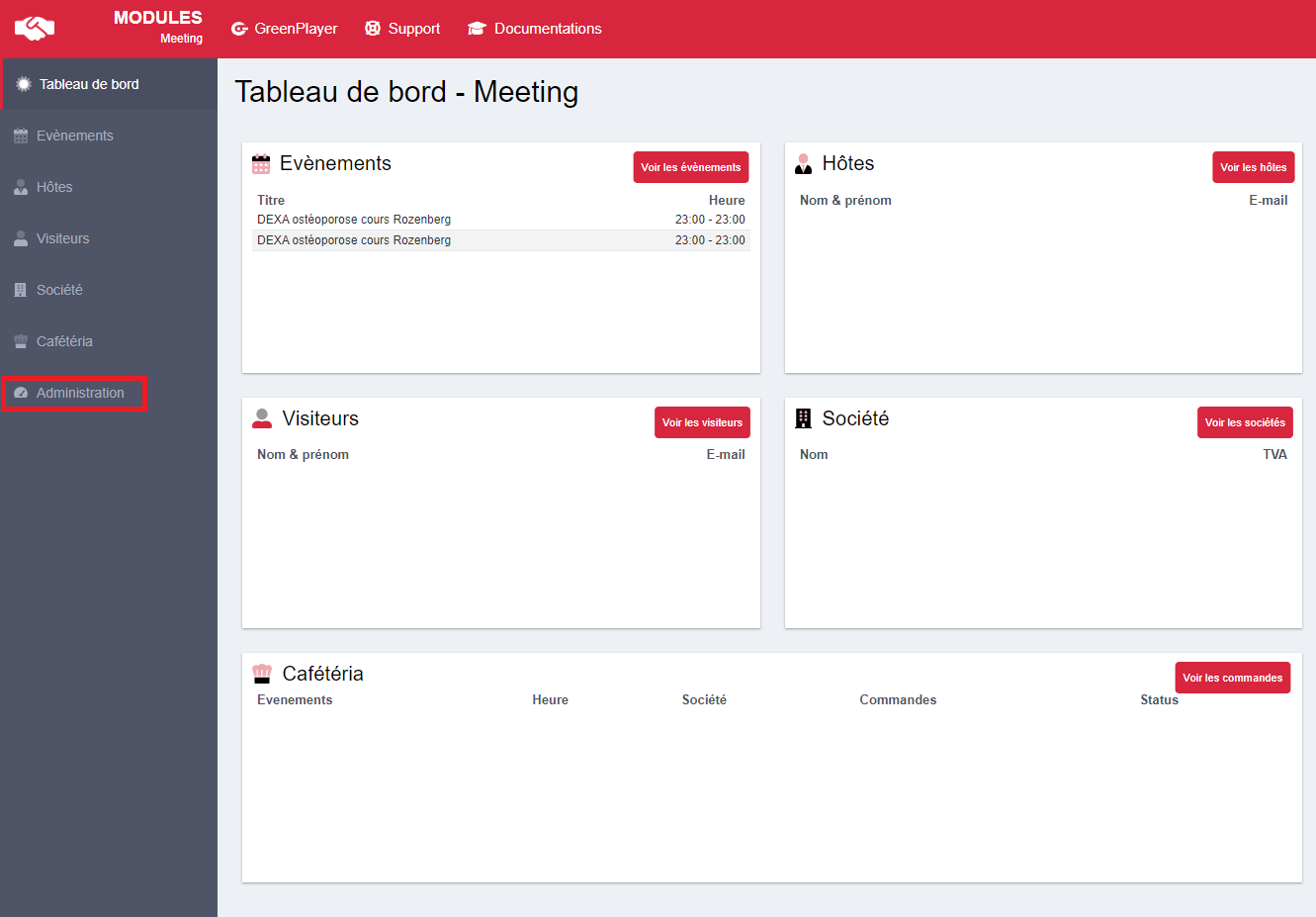
Then click Rooms to go to the room management page.

On this page, click the pencil icon on the room row whose ICS link you want to modify.

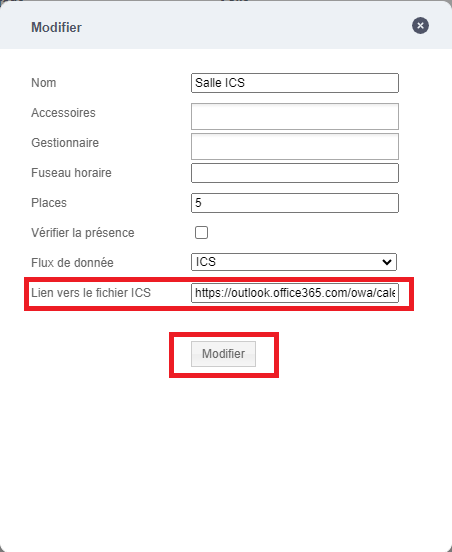
A popup window appears. In it, you will find the Link to the ICS file field. Enter the link to your ICS there and then click Edit to save your changes.