Access and sign in to the Greenplayer interface
To get started, go to the Greenplayer platform.
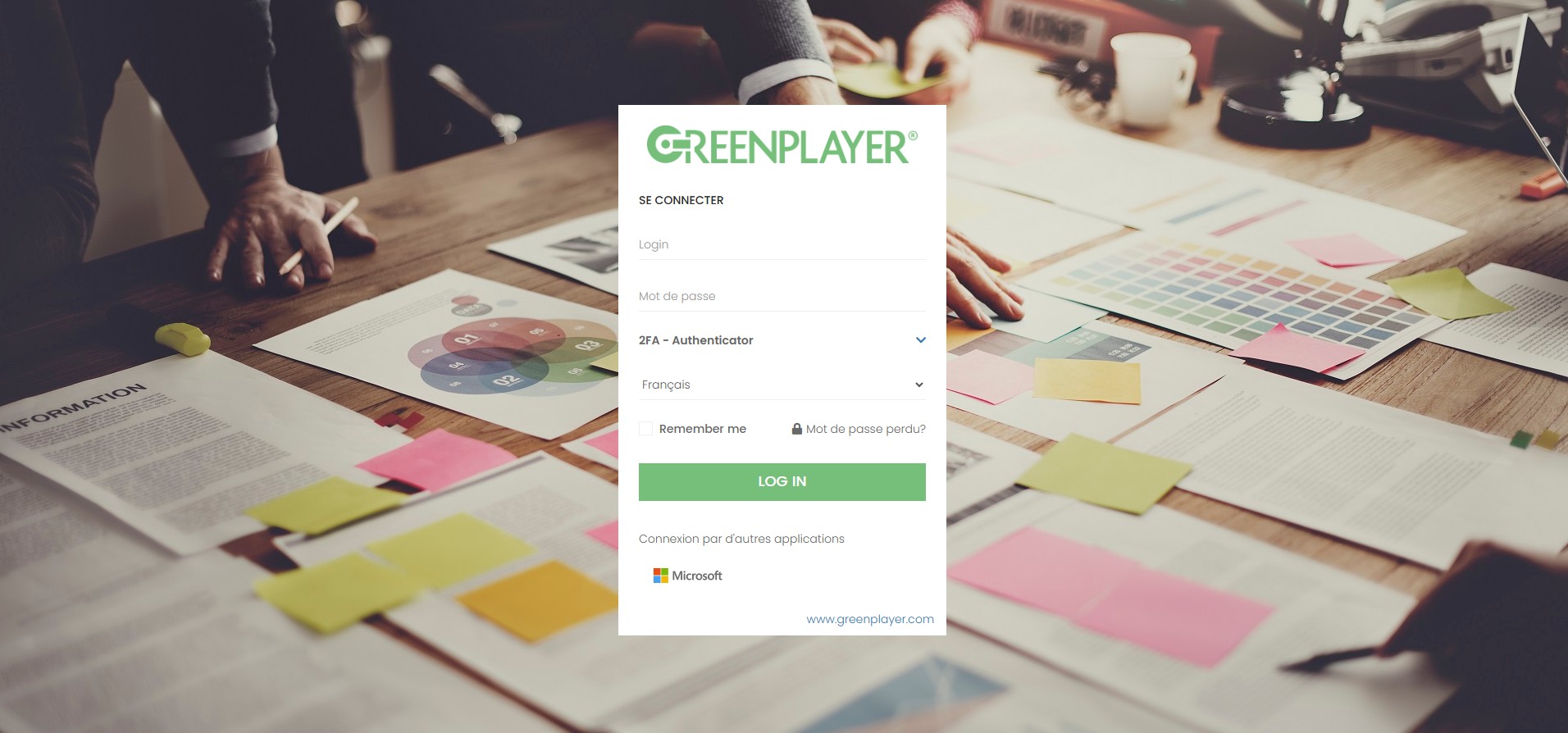
Sign in to the Meeting module
There are several ways to sign in to the Meeting module, depending on your user configuration.
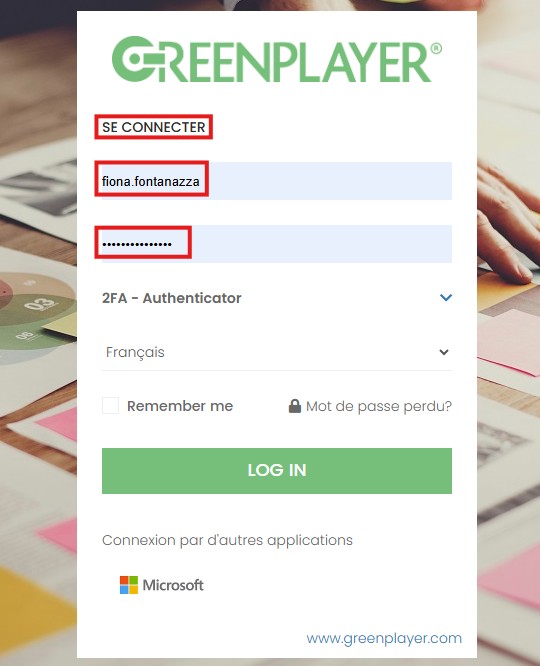
Sign in with a username and password
The first sign-in method is using a username and password. Simply enter your username and password, then click "LOG IN".
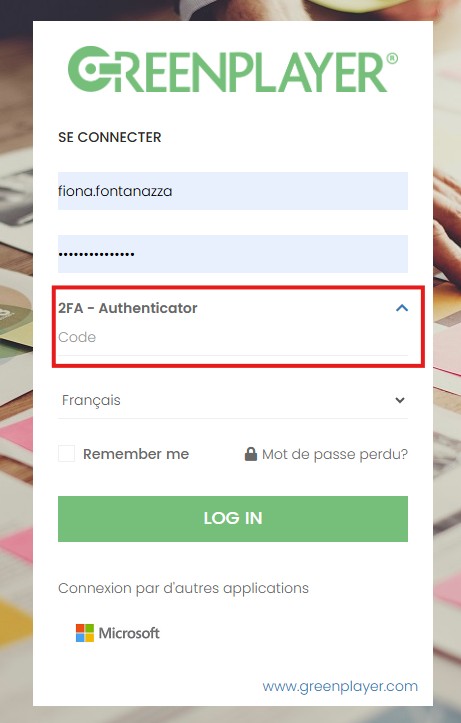
Sign in with a username, password, and 2FA
The second method is the same as the first, with the addition of 2FA authentication. This method is mainly used for accounts with an administrator profile. It is an additional authentication factor in the form of a code provided by Google Authenticator.
After entering your username and password, enter the 2FA code and press "LOG IN".
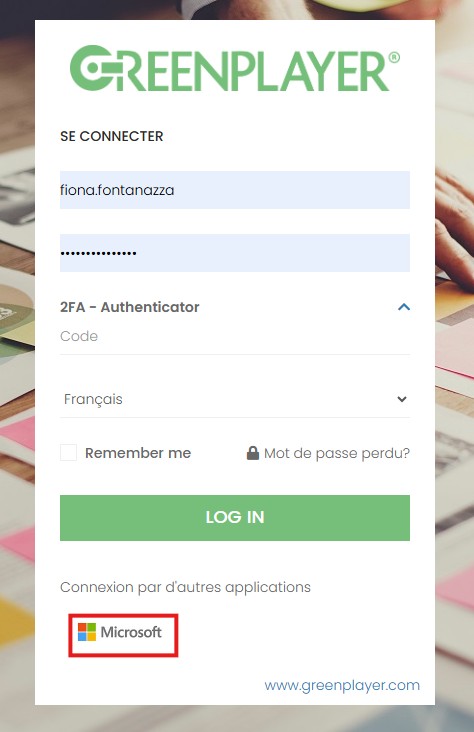
Sign in with a Microsoft account
The third method is to sign in with your Microsoft account. Simply click the last button without entering a username or password. You will then be signed in directly to your Greenplayer account.
If you have access to other modules, an intermediate page will be proposed so you can select the module you want to access. If your account only has access to BMS, you will be redirected directly to that module.